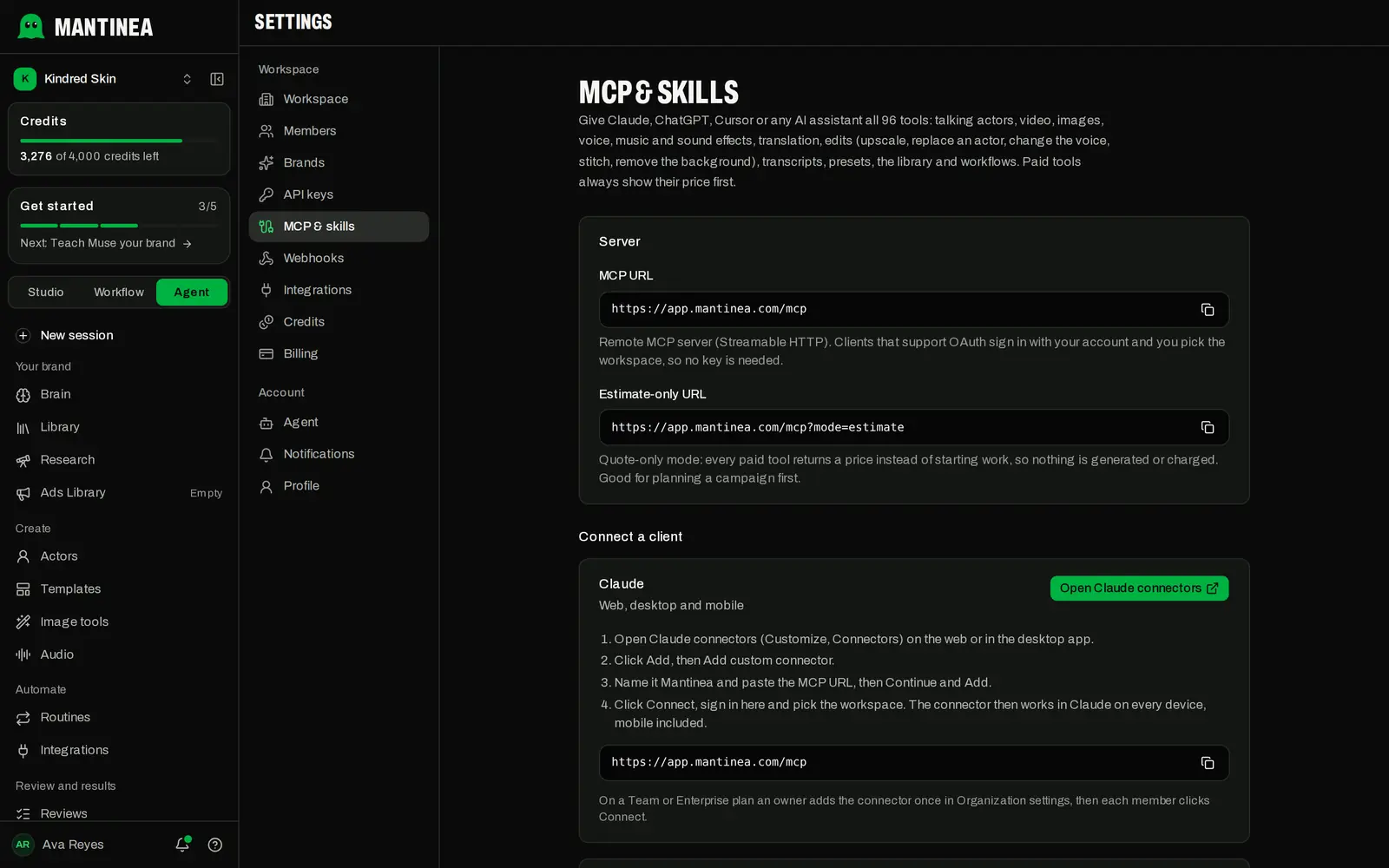
Use it from your AI assistant
Settings > MCP & skills gives you the MCP server address and step-by-step cards for Claude, ChatGPT, Cursor, VS Code and Claude Code. Most assistants sign in with your account, so you do not need a key. Every paid tool shows its price first.
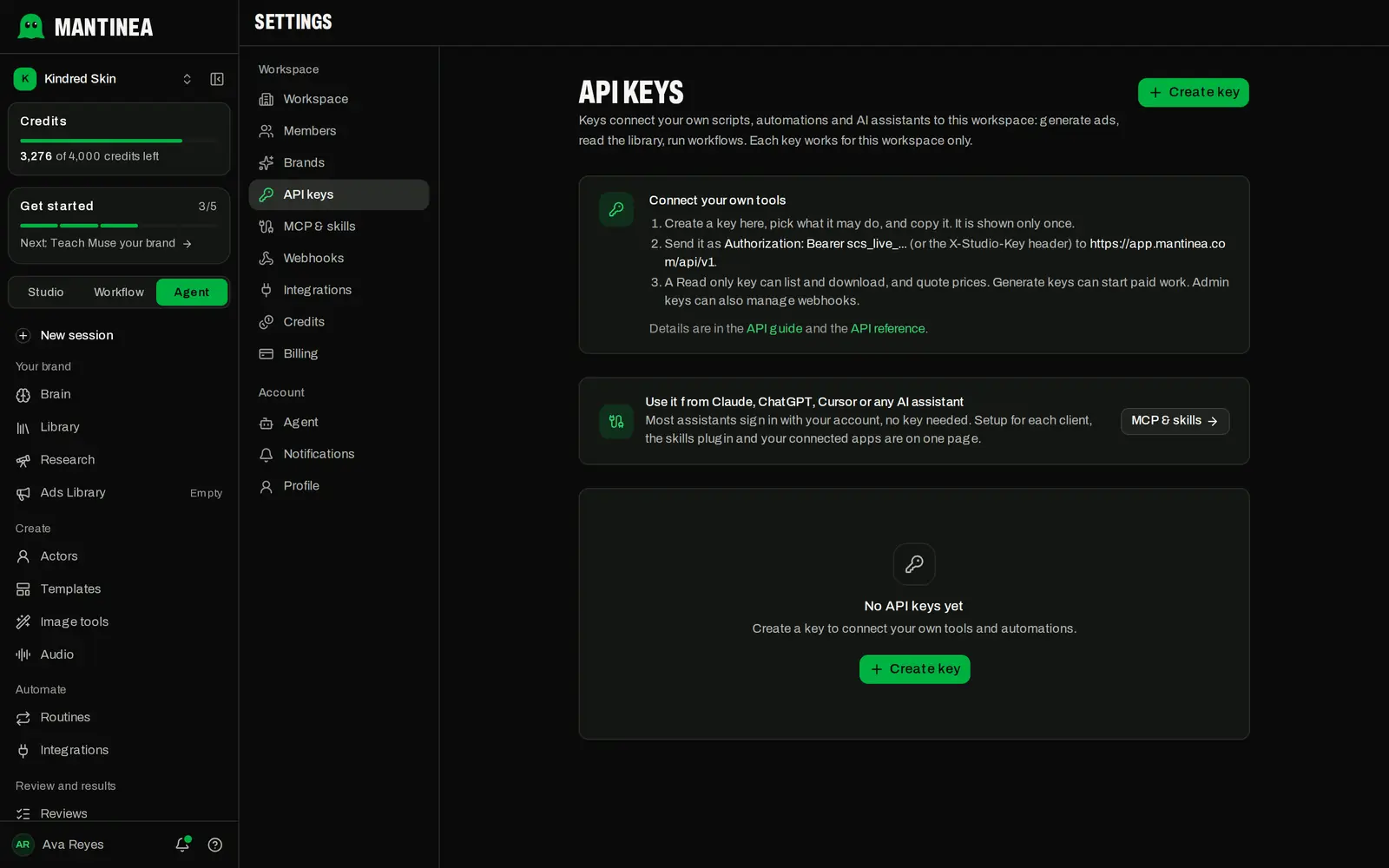
Create an API key
- Go to Settings > API keys and press Create key.
- Name it and choose what it can do: Read only, Generate or Admin.
- Copy the key now: it is shown only once.
Webhooks and the developer guide
Settings > Webhooks (admins) sends signed events when jobs and workflow runs finish. The developer guide covers the public API, webhooks, workflow triggers, the MCP server and the Claude skills plugin.
Pictures show the English interface. Names of buttons may read differently in your language.