Browse the library
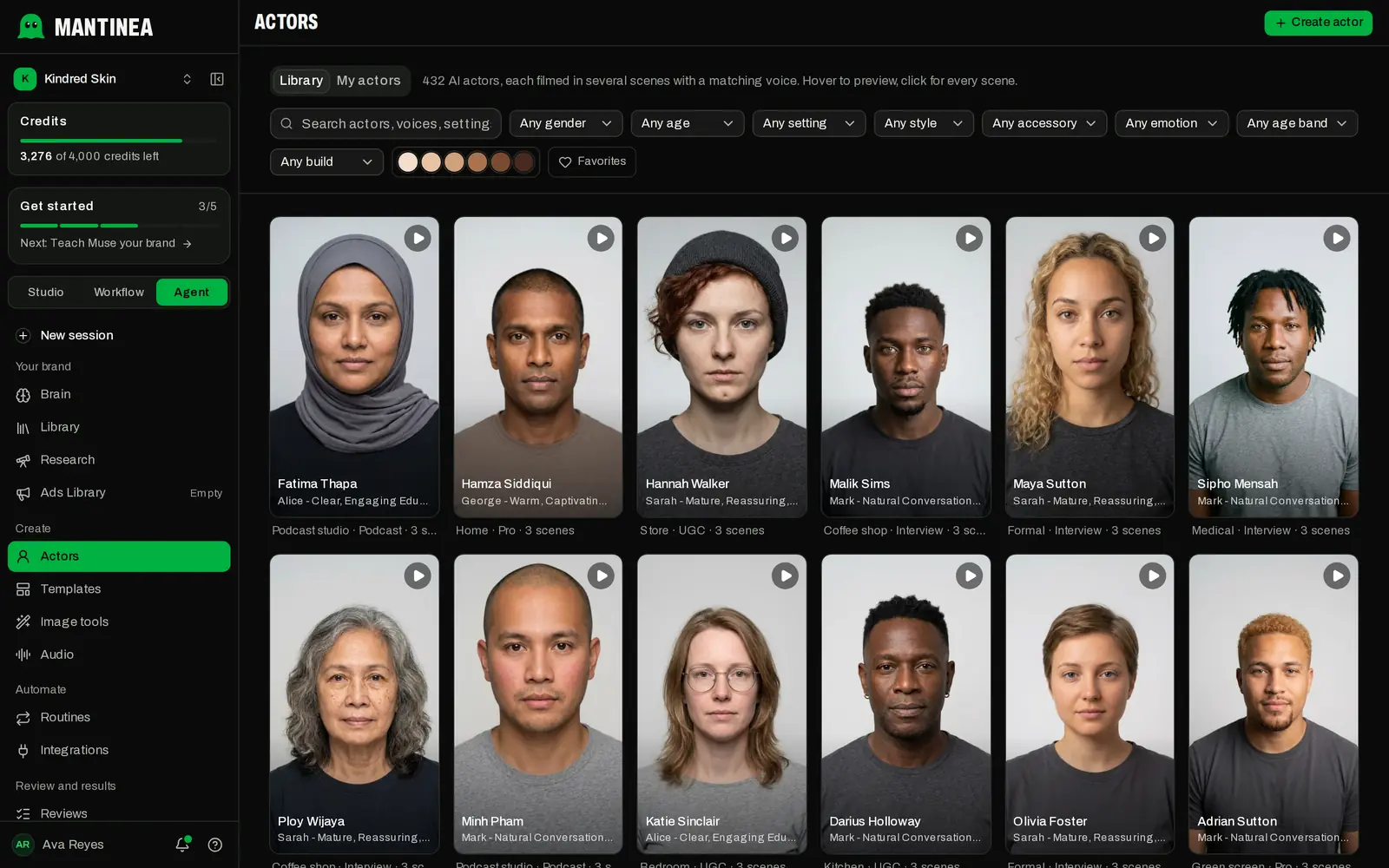
Actors in the sidebar opens the library: fictional AI actors, each filmed in several scenes with a matching voice. Hover a tile to see it move; filter by gender, age, setting, style, accessory, emotion, build or skin tone, or show only your Favorites.
Look at one actor
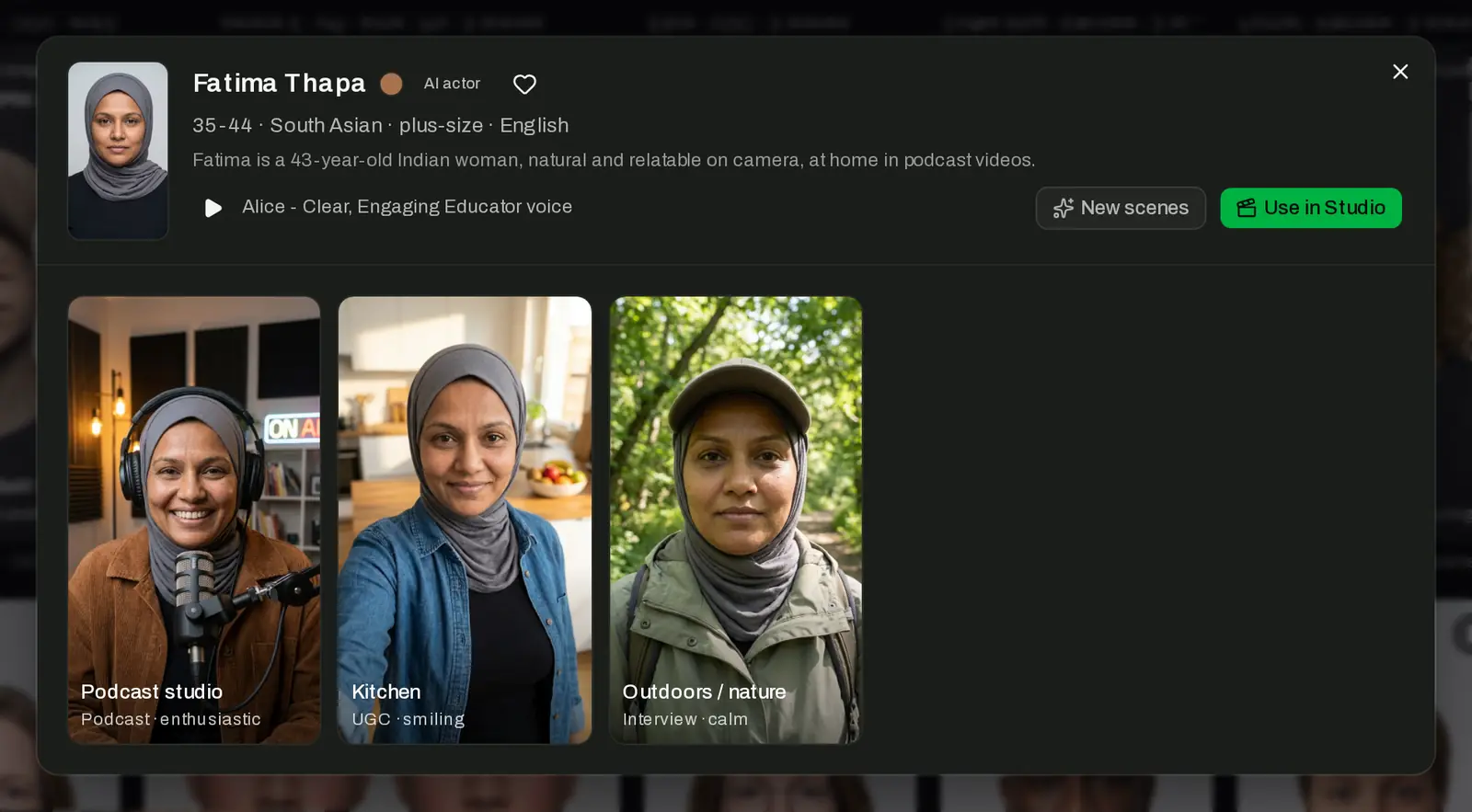
Click an actor to see their age range, heritage, languages and voice (press play to hear it), and every scene they were filmed in. Use in Studio opens Studio with that actor, in the default scene or the one you choose.
New scenes films the actor somewhere new: pick up to four settings or describe a place, and see the price before you start.
Create your own actor
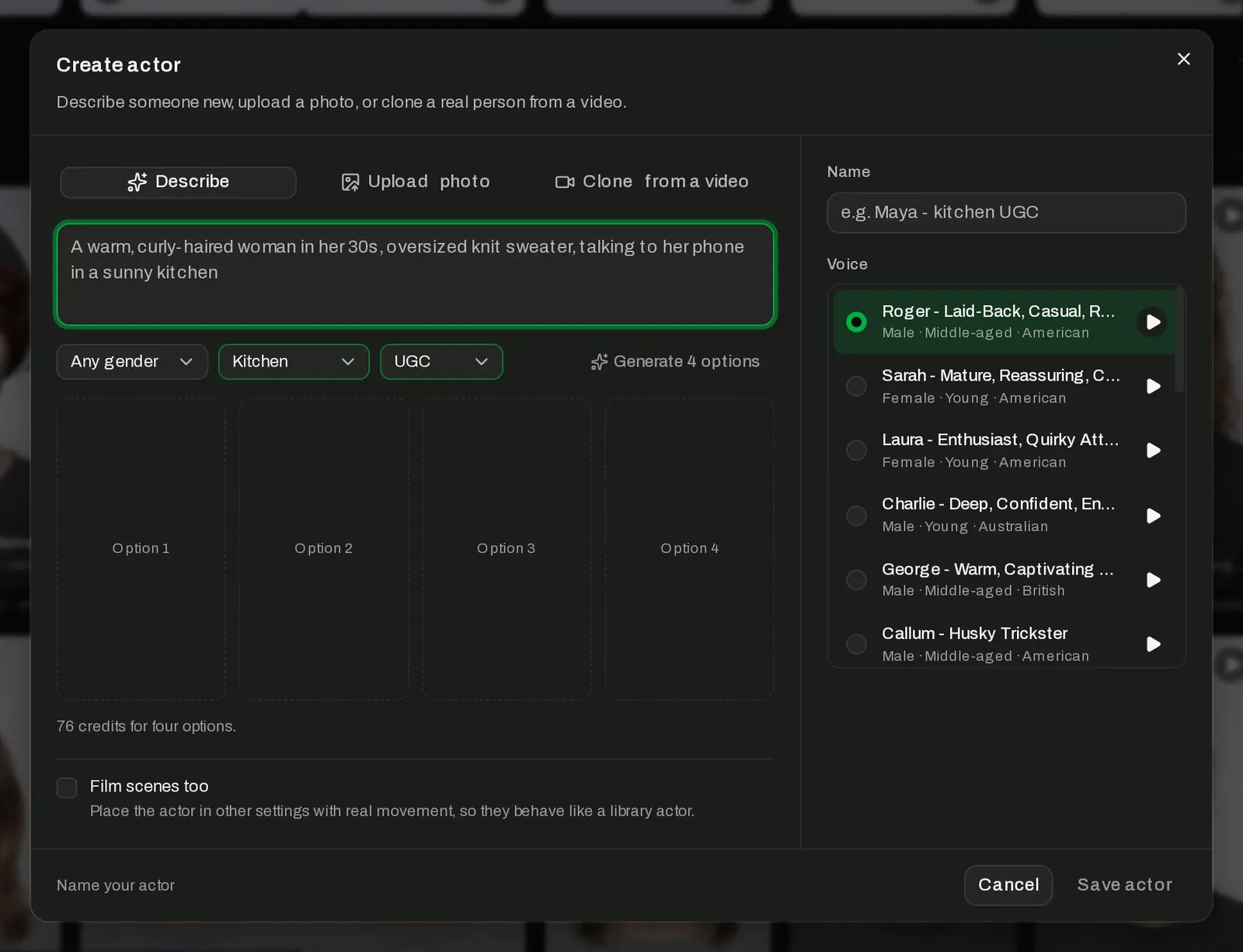
Create actor gives you three ways in:
- Describe: write who you want, pick a setting and style, and choose one of four generated portraits.
- Upload photo: start from a portrait you have the rights to.
- Clone from a video: record yourself (30 s to 5 min, one continuous take, face visible, quiet room) and say the consent phrase on camera. Your voice can be cloned too.
Change an actor's voice
On your own actors, Change voice opens Choose a voice: your workspace's voices, or the voice library with thousands of voices to search by language, gender, age and accent.
Pictures show the English interface. Names of buttons may read differently in your language.