The five tools
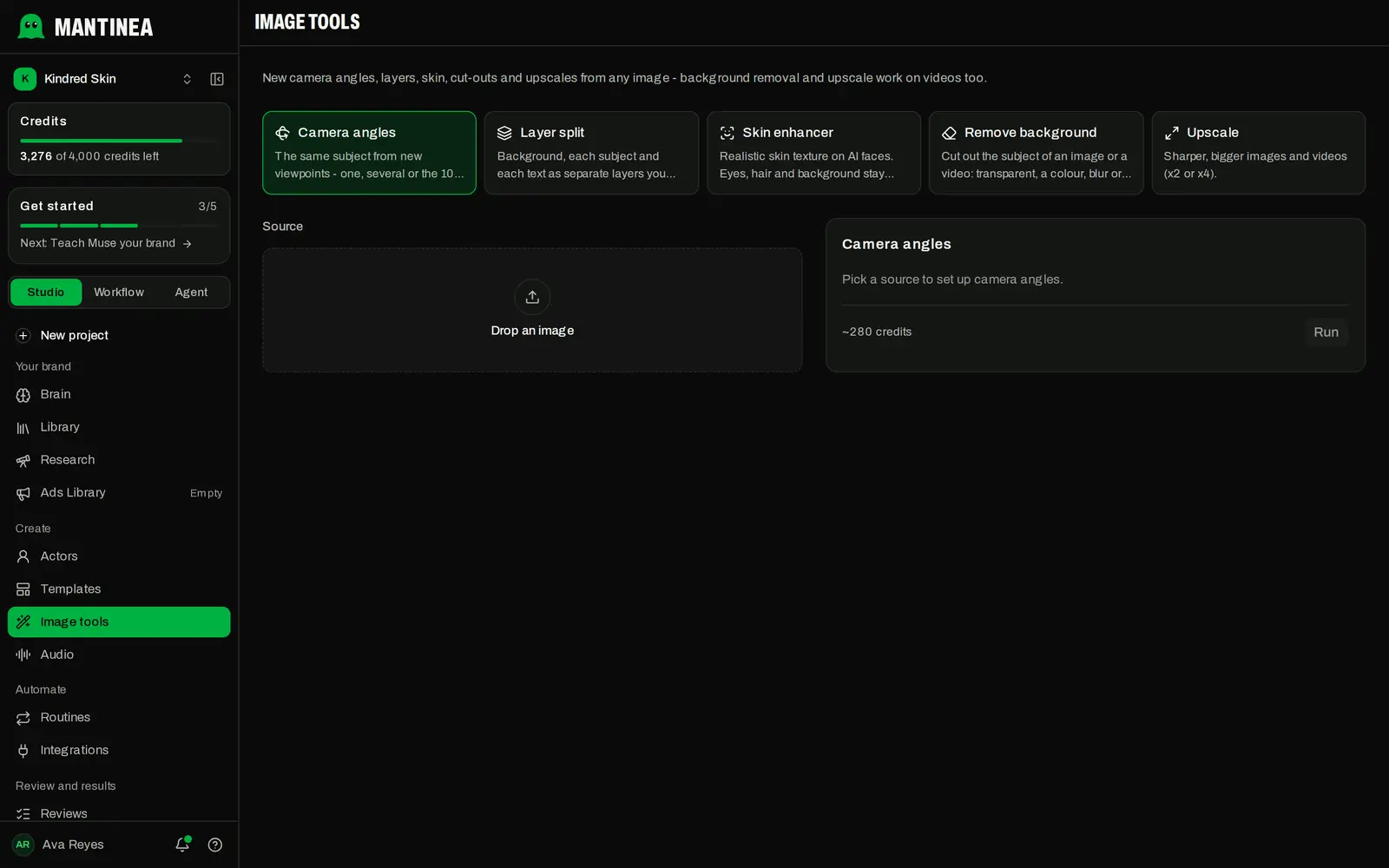
- Camera angles: the same subject from new viewpoints, one or many at once.
- Layer split: separates the background, each subject and each text into layers you can move.
- Skin enhancer: natural skin texture on AI faces.
- Remove background: a transparent cut-out, a colour, a blur or a new background. Works on videos too.
- Upscale: sharper, bigger images and videos (x2 or x4).
Run a tool
- Open Image tools in the sidebar and pick a tool.
- Drop an image, or pick one of your recent library images.
- Adjust the settings and press Run. The price shows next to it, and some images are free each day on a paid plan.
- Open the results from the thumbnails; they are saved to your Library.
Pictures of people
Camera angles and Skin enhancer ask you to confirm that you own the image or have the consent of everyone in it.
Pictures show the English interface. Names of buttons may read differently in your language.