What you can connect
- Meta Ads Library: the competitor ads the agent tracks.
- Shopify: import your catalogue into a brand's Brain (read-only).
- Google Drive and Dropbox: import footage into the Library and send finished videos back.
- Slack: routine results and alerts in a channel.
- Notion: import scripts and export them back.
- TikTok and X: post finished videos after an admin approves them.
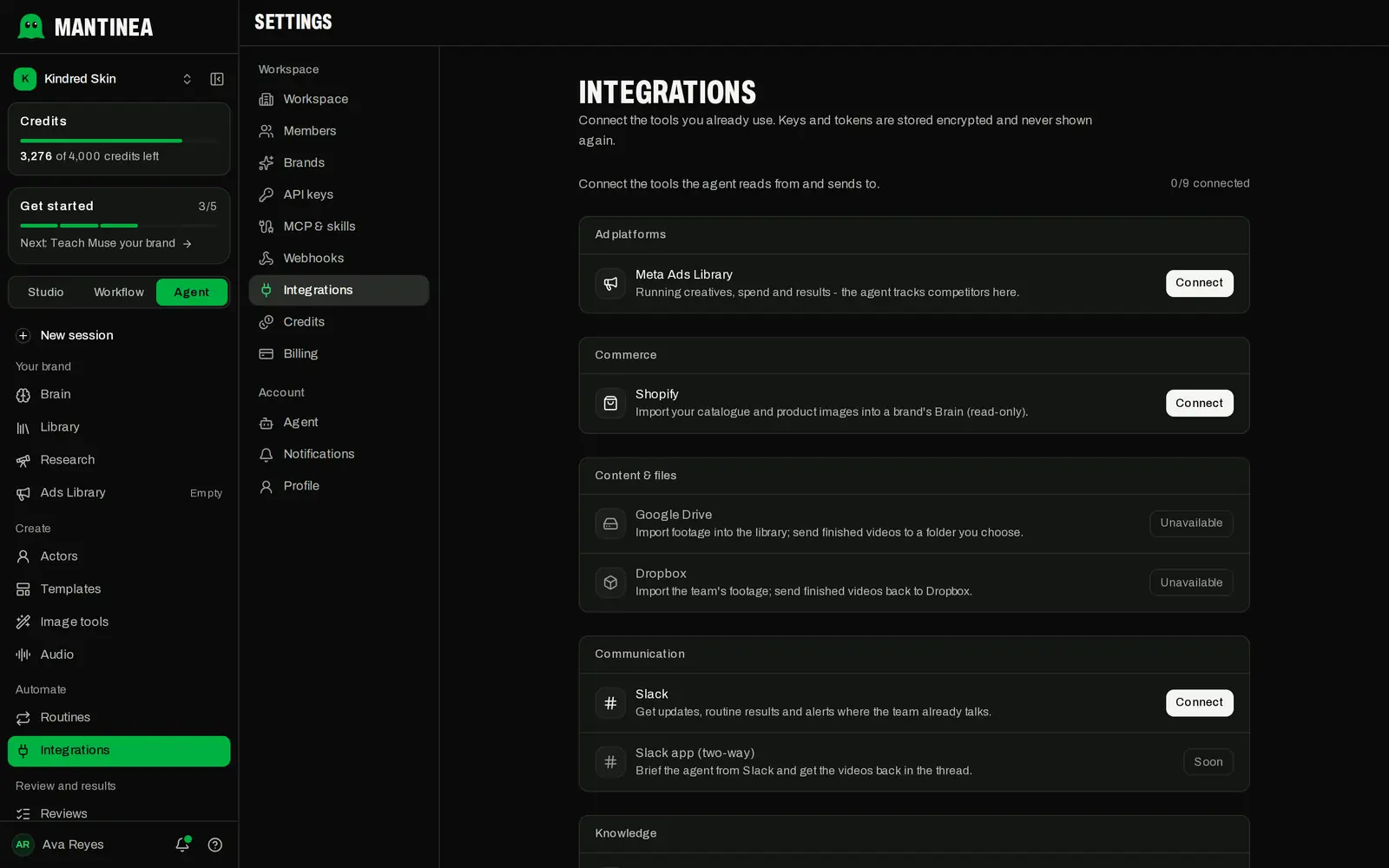
Connect one
- Open Integrations in the sidebar (or Settings > Integrations).
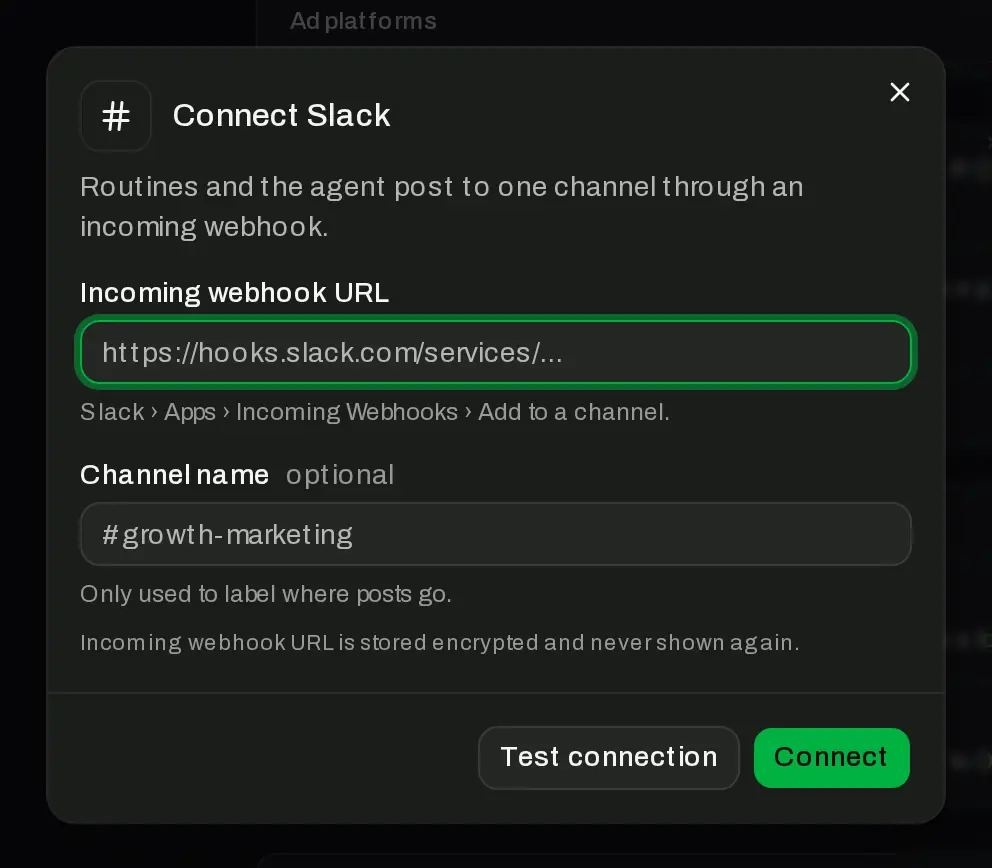
- Press Connect on the tool. Some sign you in with the provider; others ask for a key or URL.
- Use Test connection where offered, then save. Keys are stored encrypted and never shown again.
After connecting
Each connection can be mapped per brand, for example which Drive folder a brand imports from. Below the list, Approvals holds TikTok and X posts waiting for an admin, Transfers shows imports and exports, and Script templates holds scripts from Notion.
Pictures show the English interface. Names of buttons may read differently in your language.