What you can make
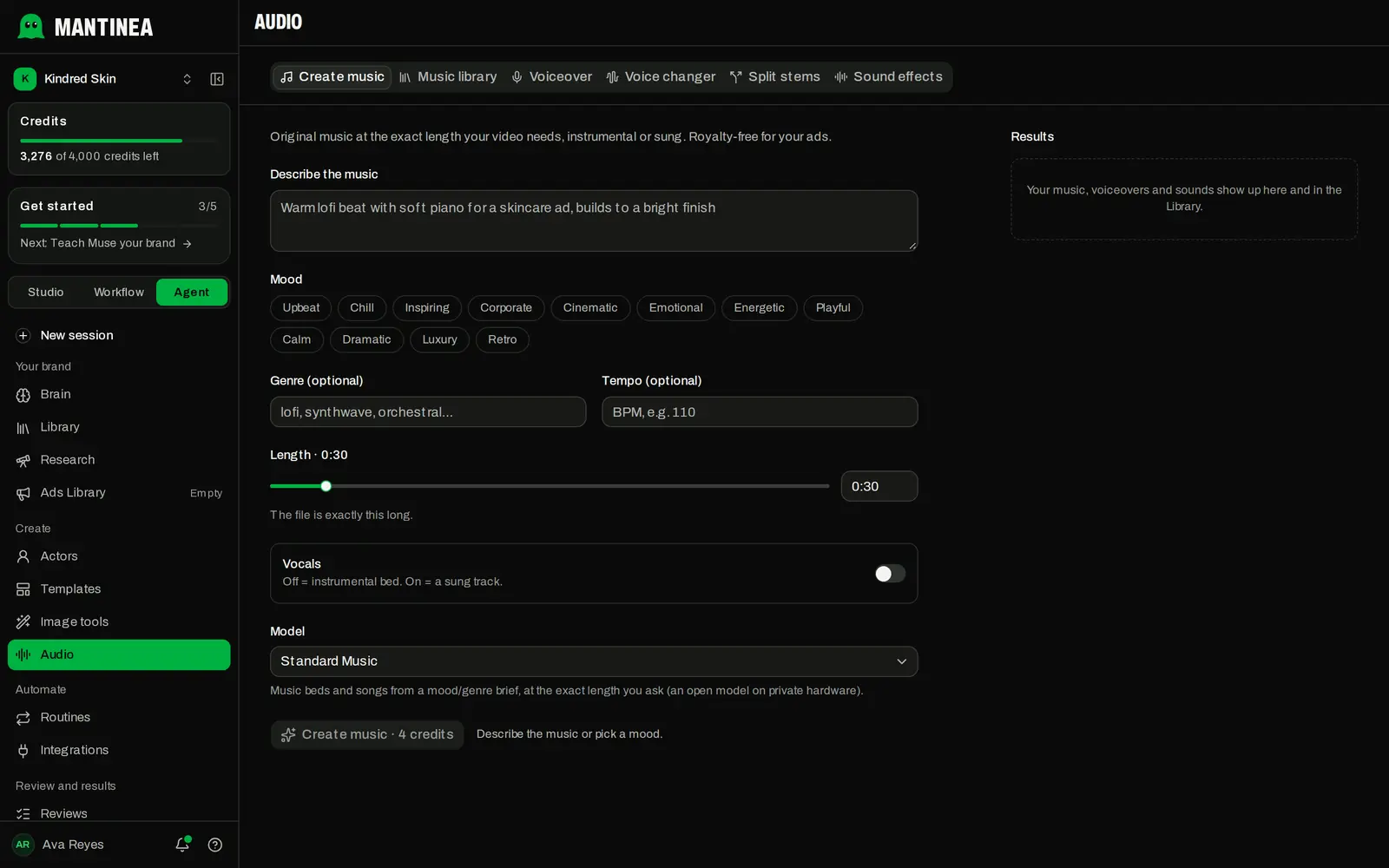
- Create music: describe it, pick moods, genre and tempo, set the exact length, and choose instrumental or sung.
- Music library: royalty-free beds by mood, fitted to your length.
- Voiceover: a script read in any library voice or a consented clone.
- Voice changer: turn a recording into another voice, or isolate the voice from background noise.
- Split stems: separate vocals from music and effects.
- Sound effects: describe a sound, set its length, make it loop.
Record a voiceover
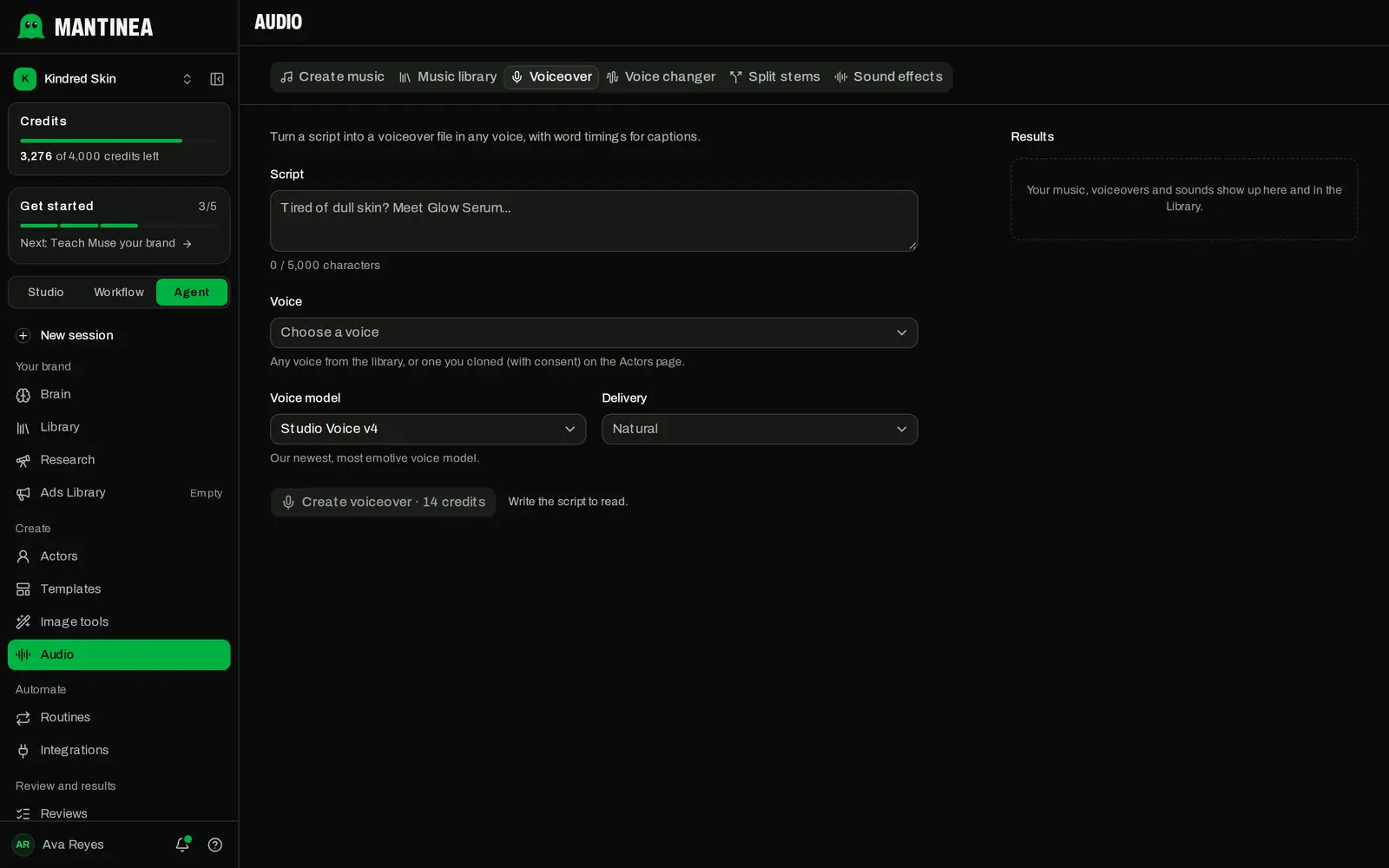
- Open Audio and pick Voiceover.
- Paste your script, choose a voice (preview it first) and a delivery.
- Press the create button; its label shows the price.
Find your audio
Everything you make plays in the Results column and is saved to your Library, ready to use in Studio, workflows or the agent.
Pictures show the English interface. Names of buttons may read differently in your language.