What the Brain is
Every brand in your workspace has its own Brain. The agent reads it before it writes a script, picks an actor or suggests an angle, so the more it holds, the less you repeat yourself.
Open it from Brain in the sidebar. The panel opens beside the page; press Esc to close it.
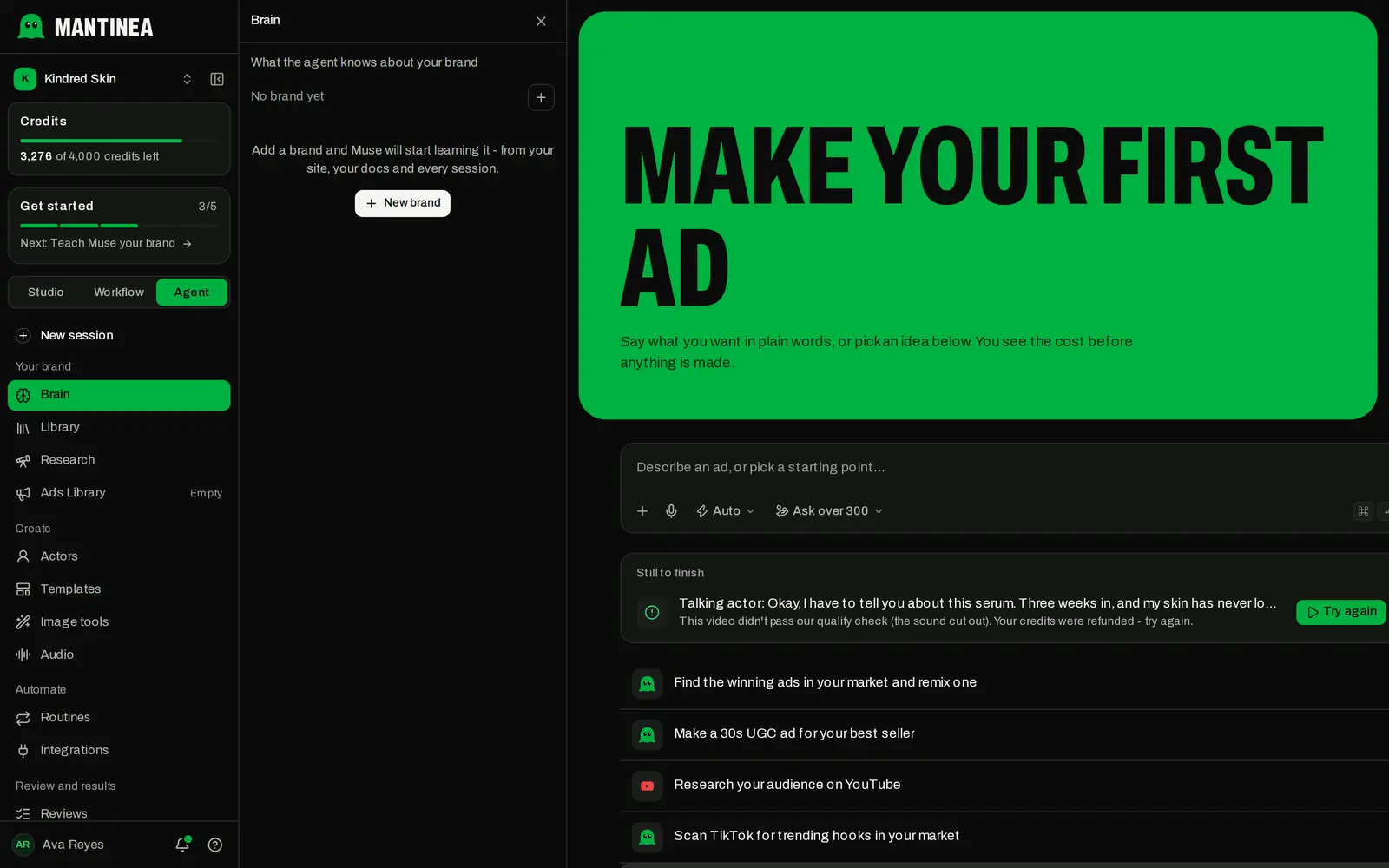
The sections
- Brand: name, colours, logo and tagline.
- Products: what you sell. A full website crawl also adds your product's features here.
- Market: the competitors the agent tracks.
- Tone of Voice: how you sound and what to avoid, with sample phrasings.
- Target audience: who you talk to, their pains and objections.
- Characters: people who appear in your ads.
- Creator preferences and Personalization: your bar for creators, and how the agent answers you.
- Winning ads and Documents: ads that worked for you, and your guidelines or product docs.
Check and correct it
Click a section to open its editor. Edit any item in place, delete what is wrong or add what is missing. A small chip shows where each item came from: your site, the agent, you, or a document.
The agent also adds to the Brain as you chat; a short "Brain updated" note tells you when.
More than one brand
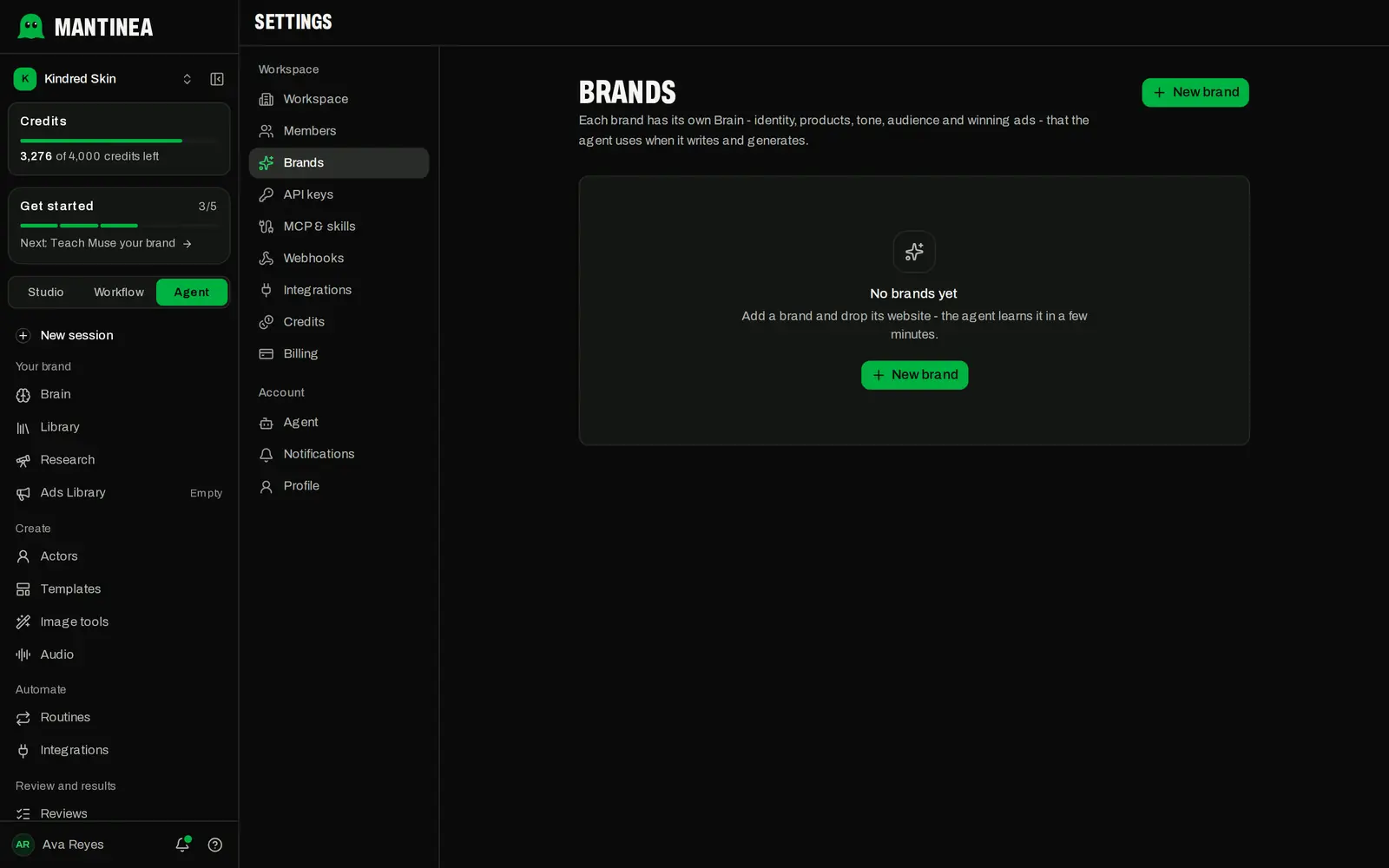
Agencies can keep one workspace with a brand per client. Add one from Settings > Brands > New brand, or from the brand selector at the top of the agent or Studio with + Add a client brand. Give it a website and the agent reads it into the new brand's Brain.
Start over
Reset brand memory at the bottom of the Brain panel clears what the agent learned for that brand, after you confirm.
Pictures show the English interface. Names of buttons may read differently in your language.