Switch or create workspaces
The workspace switcher at the top of the sidebar lists every workspace you belong to, and has Create workspace, Invite people, Settings and Sign out.
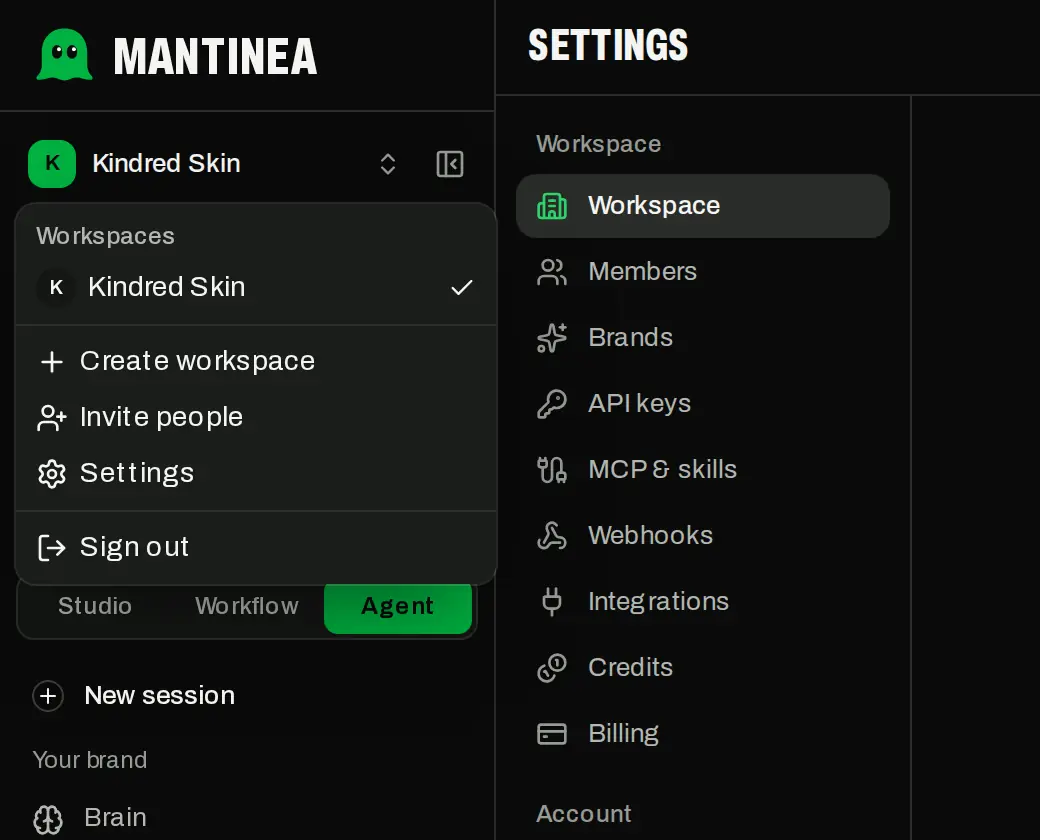
Invite people
- Go to Settings > Members and press Invite people.
- Enter their email and pick a role.
- They get an email; pending invites show until they accept or the invite expires.
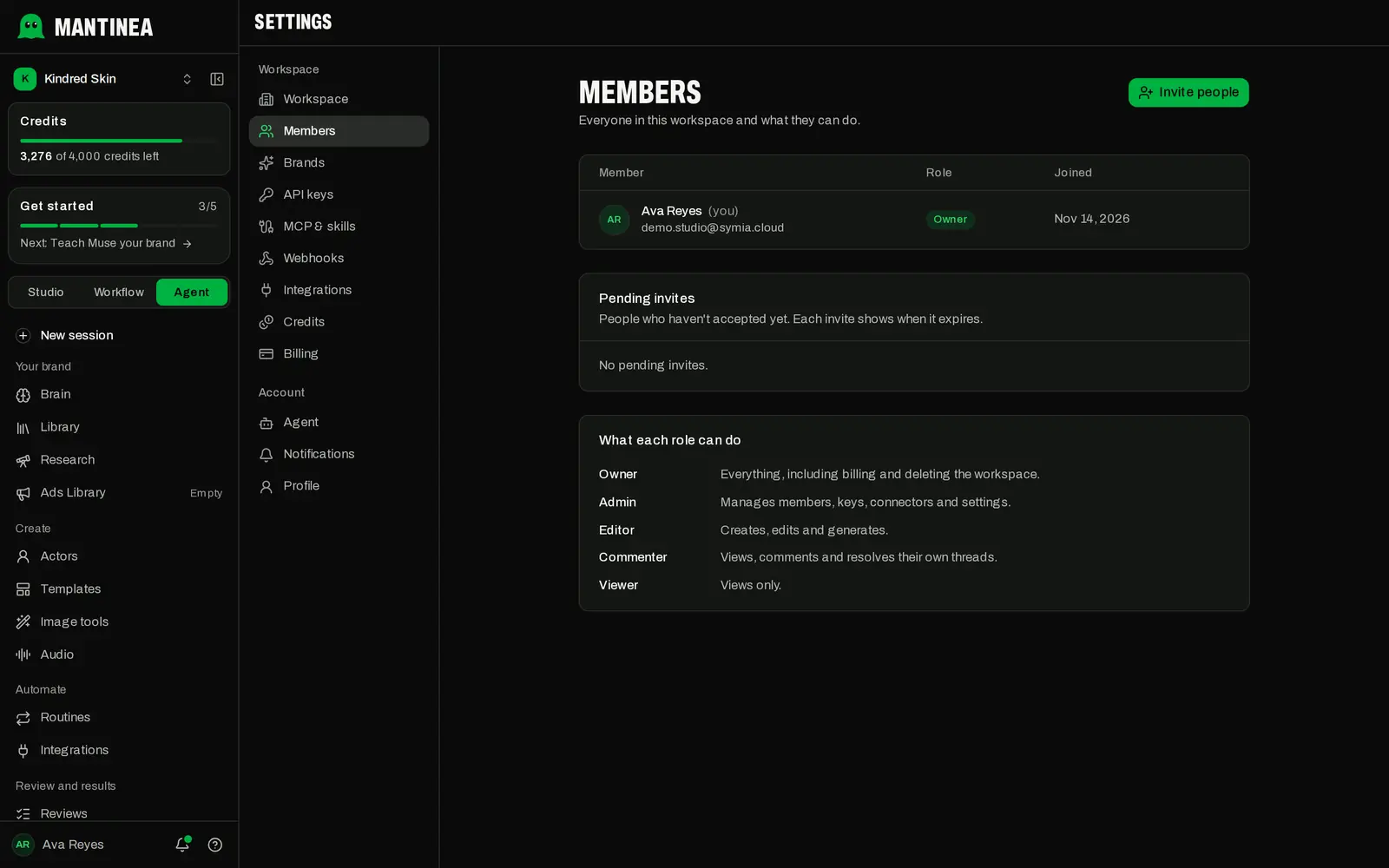
Roles
- Owner: everything, including billing and deleting the workspace.
- Admin: manages members, keys, connectors and settings.
- Editor: creates, edits and generates.
- Commenter: views, comments and resolves their own threads.
- Viewer: views only.
Workspace and agent settings
Settings > Workspace holds the logo, the workspace name, the agent's name (Muse unless you change it) and the default language for new scripts and voiceovers.
Settings > Agent holds custom instructions the agent reads on every message, your defaults (reply style, aspect ratio, video length, target audience) and when it must ask before spending.
Pictures show the English interface. Names of buttons may read differently in your language.