Trends
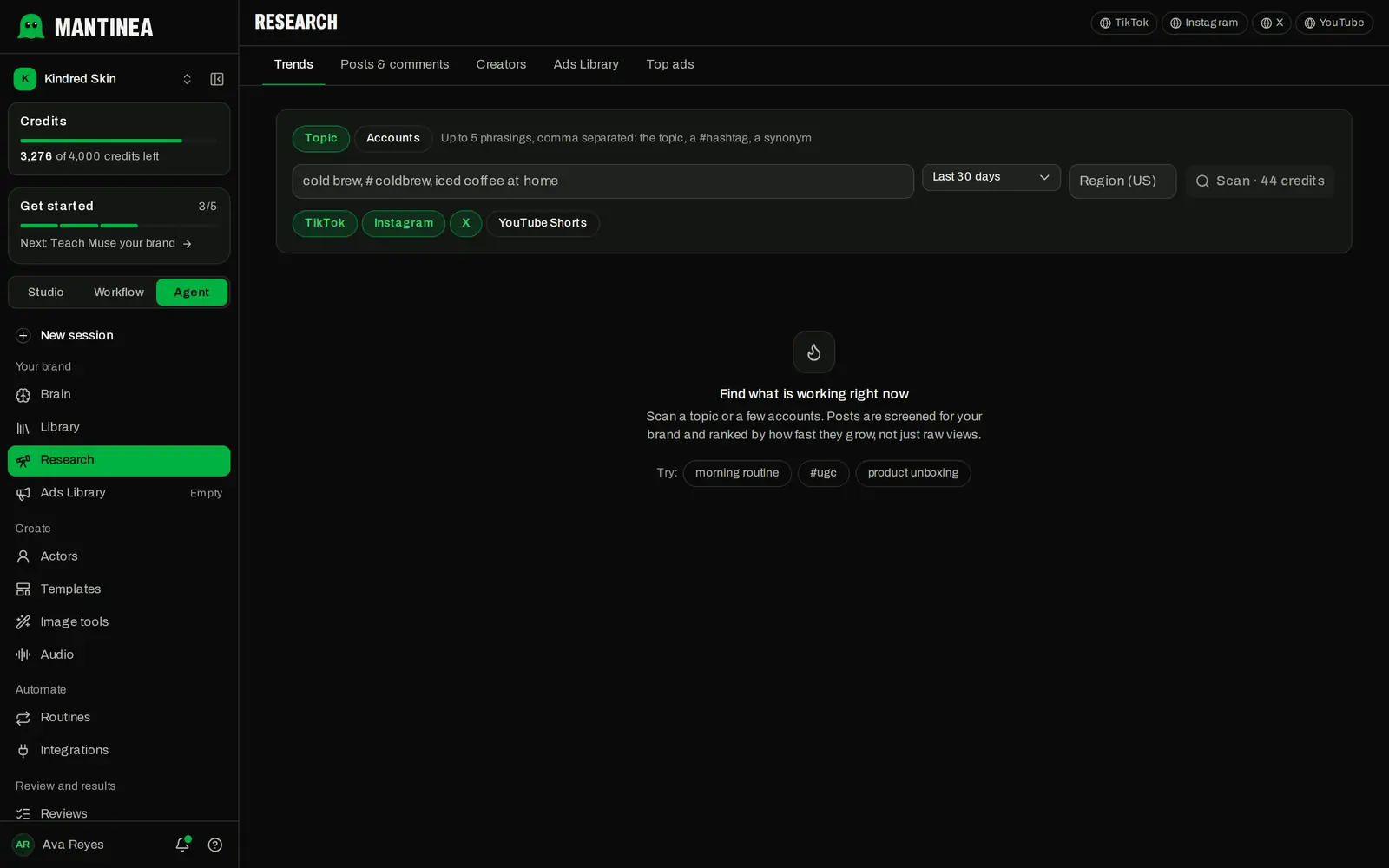
Research opens on Trends. Enter up to five phrasings of a topic (or a few accounts), pick platforms, a time range and a region, and press Scan; the price shows on the button. Posts are screened for your brand and ranked by how fast they grow, not just raw views.
Posts & comments
Paste up to ten post links to read their metrics, hook and comments: the sentiment, the themes, objections and desires people mention, and ideas for hooks.
Creators
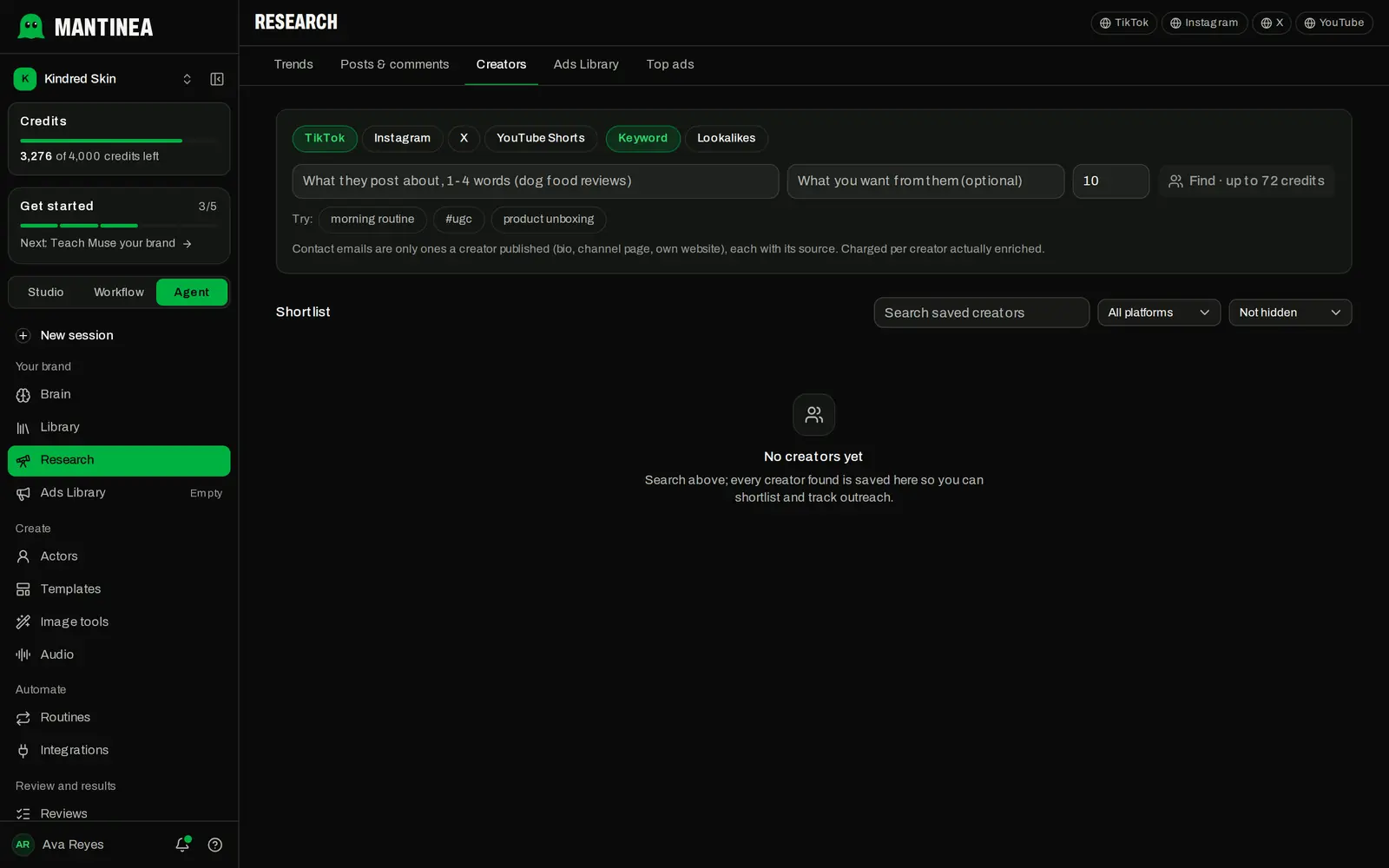
Search creators by platform and keyword, or find lookalikes of an account. Everyone found is kept on a shortlist with their audience size, views, engagement and fit, where you can track who you contacted.
Competitor ads and the Ads Library
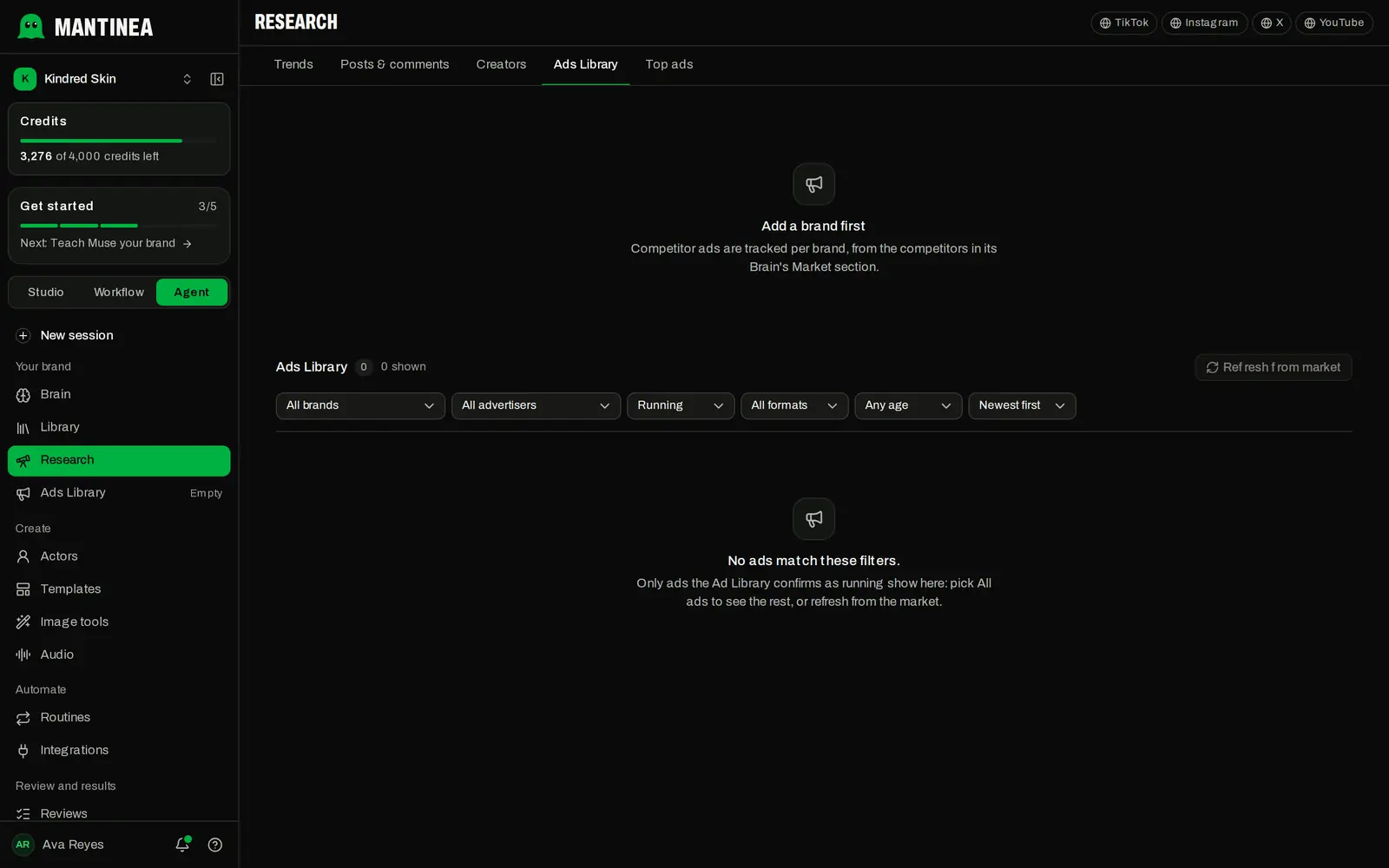
The Ads Library tab shows the ads your competitors run, per brand, from the competitors in your Brain's Market section. Filter by advertiser, status, format and age, play any ad, and use Remix this, Break down or Save as winning ad. A weekly sync can keep it fresh.
Pictures show the English interface. Names of buttons may read differently in your language.